Prerequisites
You must have completed the Installation guide and have a project created.Running the Development Environment
The Sonamu development environment consists of three servers:- PostgreSQL - Database
- API Server - Backend REST API (includes Sonamu UI)
- Web Server - Frontend application
Start Database
Navigate to your project’s This command uses Docker Compose to run the PostgreSQL database in the background.
api directory and start the PostgreSQL container:
Run API Server
In the same When the server starts successfully, you’ll see the following message:This single command runs everything:
api directory, start the development server:- Web App: http://localhost:1028
- API Endpoints: http://localhost:1028/api
- Sonamu UI: http://localhost:1028/sonamu-ui
In the local development environment, the API server integrates and serves the Web app. It connects the Web directory’s Vite Dev Server as middleware to the API server, allowing everything to run on a single port.
Run Web Server (Optional)
If you want to focus on Web development or utilize Vite’s full features, open a new terminal window and start the development server separately in the When the Vite development server starts, you’ll see the following message:If you run the Web server separately, you can access the frontend at http://localhost:3028. The Web server automatically proxies
web directory:/api/* path requests to the API server (localhost:1028).Two Development Modes
- Integrated mode (recommended): Run only API server → Access everything at
localhost:1028 - Separated mode: Run API + Web separately → API at
localhost:1028, Web atlocalhost:3028
Verify Access
Integrated Mode (API server only)
You can access the following URLs in your browser:| Service | URL | Description |
|---|---|---|
| Web App | http://localhost:1028 | Frontend application |
| API Server | http://localhost:1028/api | REST API endpoints |
| Sonamu UI | http://localhost:1028/sonamu-ui | Entity management interface |
Separated Mode (Both API + Web servers running)
| Service | URL | Description |
|---|---|---|
| Web App | http://localhost:3028 | Frontend application |
| API Server | http://localhost:1028/api | REST API endpoints |
| Sonamu UI | http://localhost:1028/sonamu-ui | Entity management interface |
Access the Web app to verify the Sonamu application is running correctly.
Sonamu UI Features
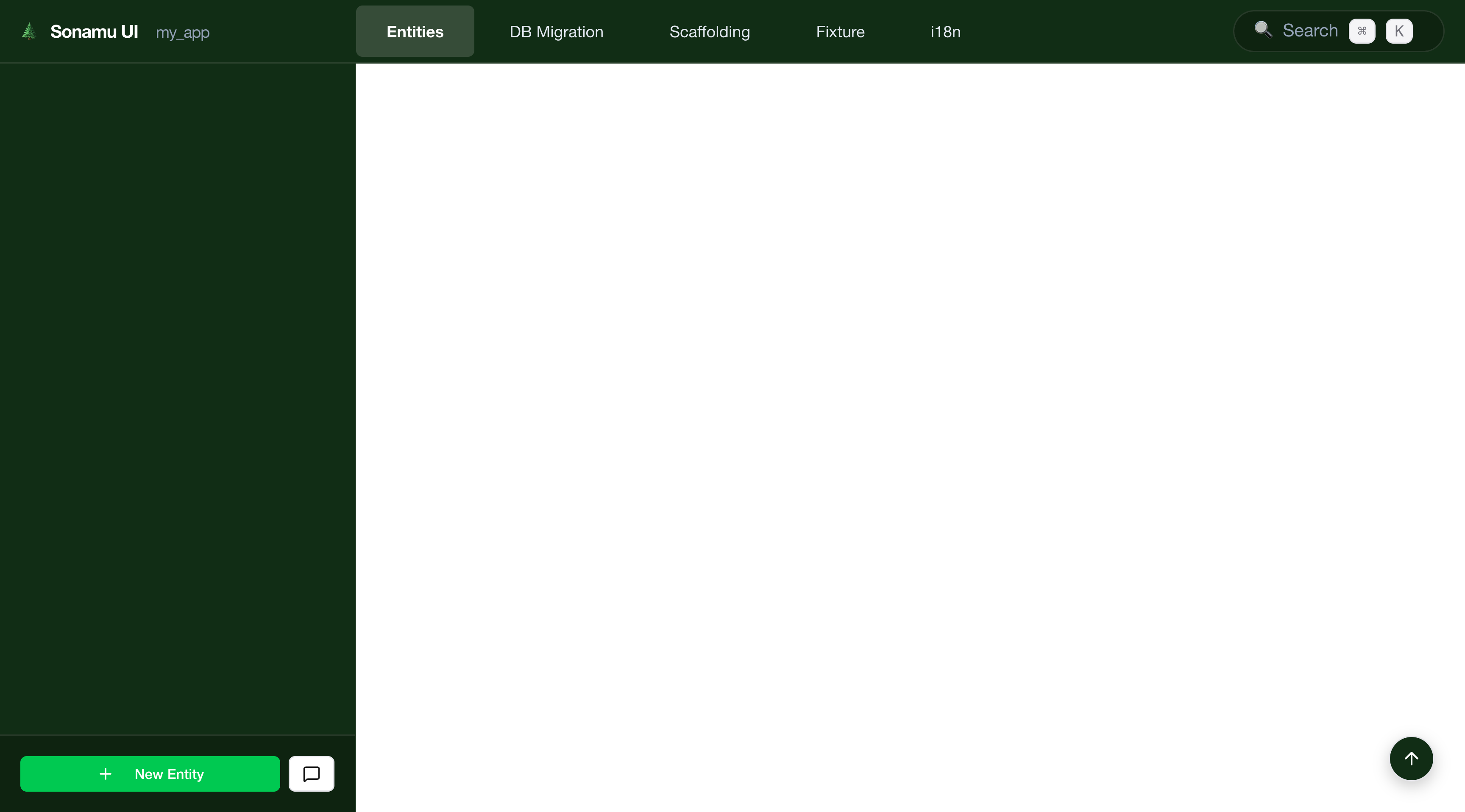
When you access http://localhost:1028/sonamu-ui in your browser, you can perform the following tasks:- Create and edit entities
- Manage database migrations
- View API endpoints
- Visualize database schema

Stopping Servers
To stop the servers when you’re done developing:-
API Server (and Web server if running): Press
Ctrl + Cin each terminal to stop. -
Database: Run the following command in the
apidirectory:
Next Steps
Your development environment is ready! Now learn Sonamu’s core features through the following guides:Creating Your First Entity
Use Sonamu UI to create your first entity and define the database schema.
API Development
Create REST APIs based on entities and implement business logic.
Frontend Integration
Use the auto-generated service layer to call APIs from the frontend.
Project Structure
Understand the directory structure and key files of a Sonamu project.