Install from Marketplace
You can install directly from the VS Code Marketplace.- Open Extensions tab in VS Code (Cmd+Shift+X)
- Search for “Sonamu”
- Click Install button
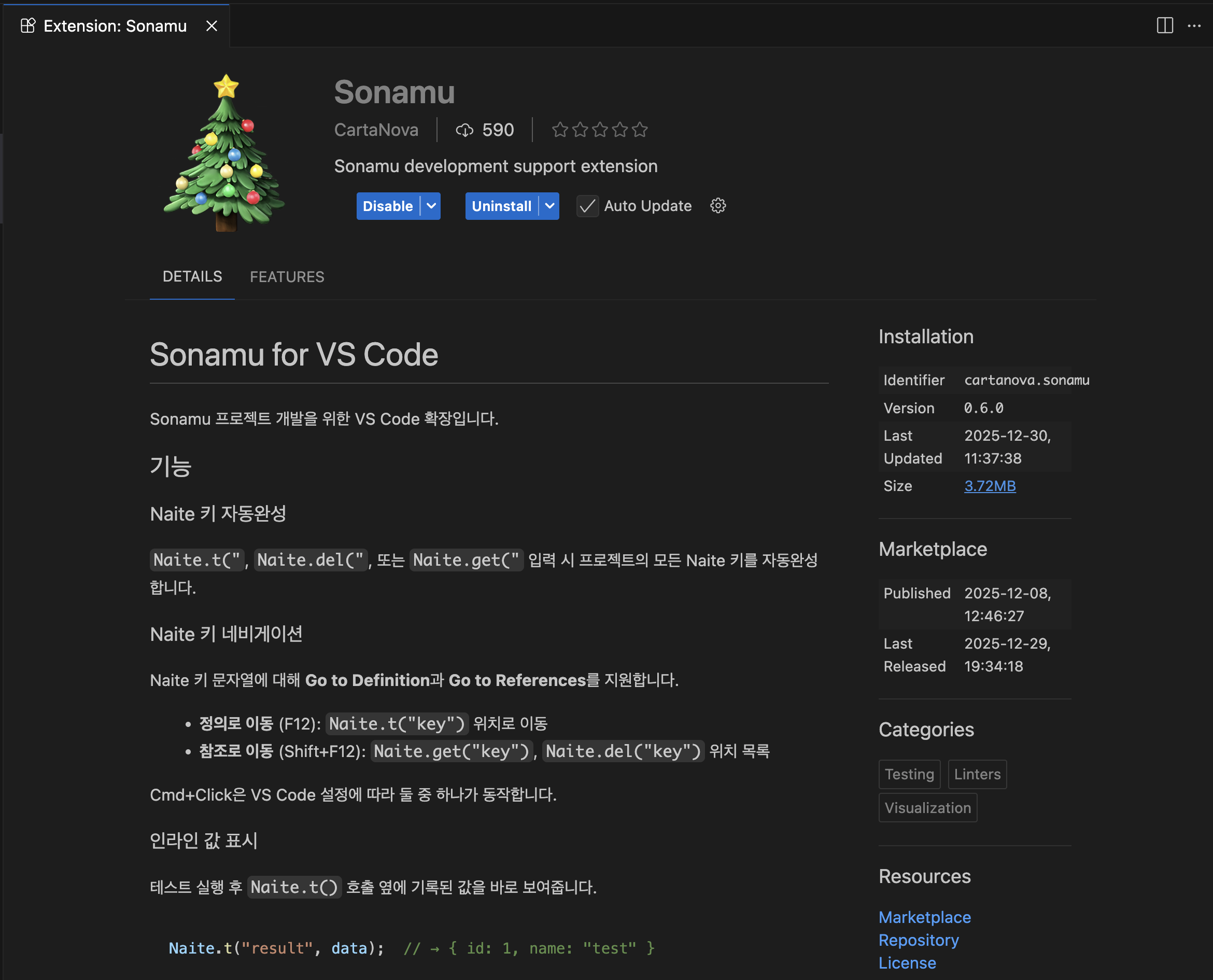
Search Sonamu Extension in Marketplace
Build and Install Manually
You can also build from source code and install:Update
To update an already installed Extension, add the--force option:
Verify Activation
Once the Extension is properly installed, it automatically activates when there’s asonamu.config.ts file in the workspace.
You can verify activation as follows:
- Open Command Palette (Cmd+Shift+P)
- Type “Sonamu”
- Check if Sonamu-related commands are displayed
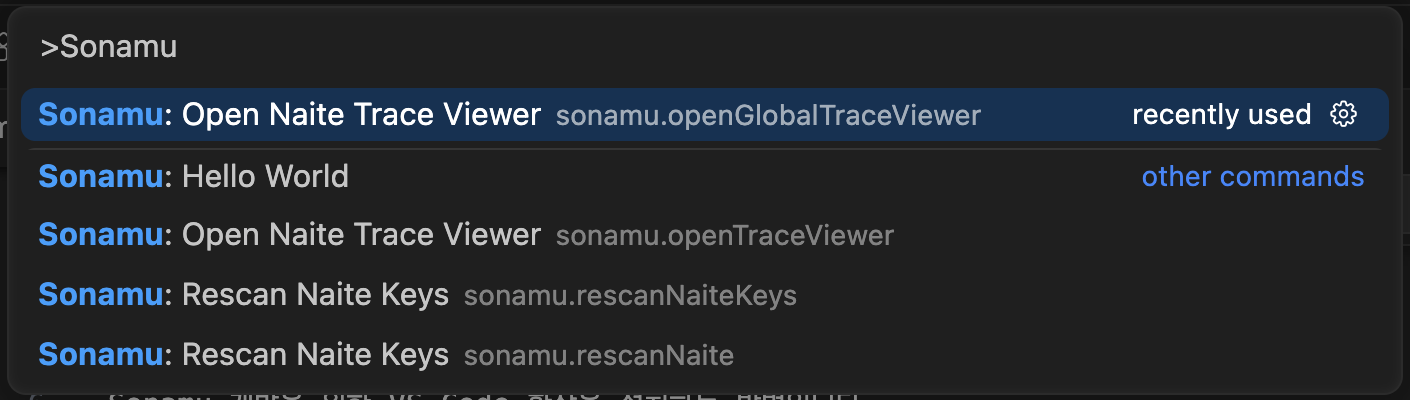
Verify Sonamu Commands